Exporting a Chart or a Report
You can export a chart from IO as a PNG, JPG, PDF, SVG, or CSV file. Data can also be exported to the local clipboard. This is useful for including in documents or in another report in IO.
Note
When data are exported to CSV, values listed as percentages (e.g., 50%) will be exported as decimal numbers (e.g. 0.5).
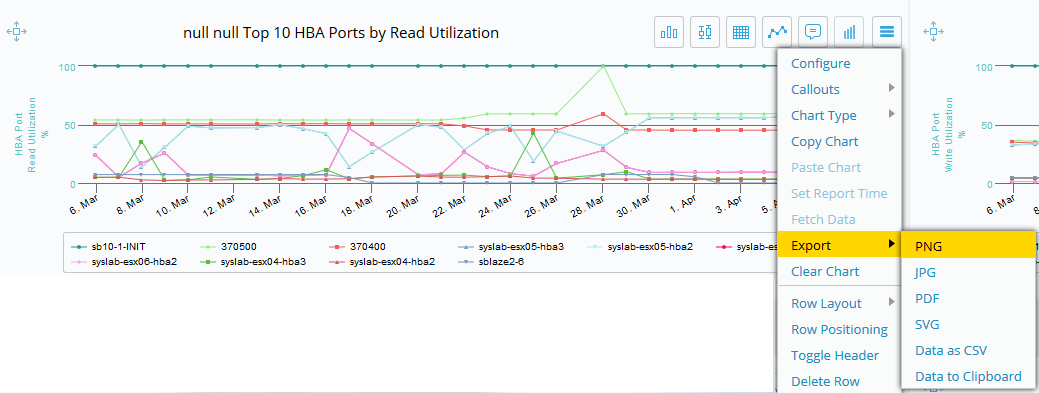
To export a chart, select the hamburger icon, then Export and choose the export file format.
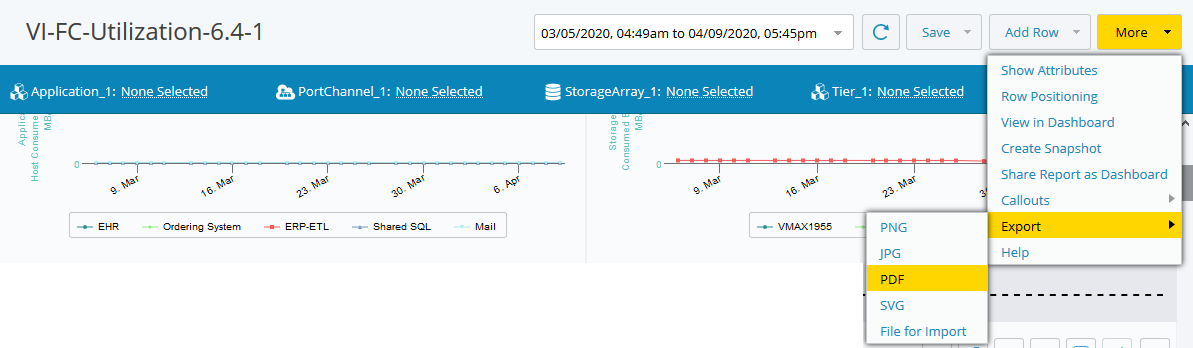
You can also export the entire report as an image file or a PDF file. Click the More button, then select Export and choose the export file format.