Enabling Event Polling
Click Settings in IO, Integrations in the Probe Management section, and then the View button for Splunk AppDynamics CO.
The Splunk AppDynamics CO page displays.
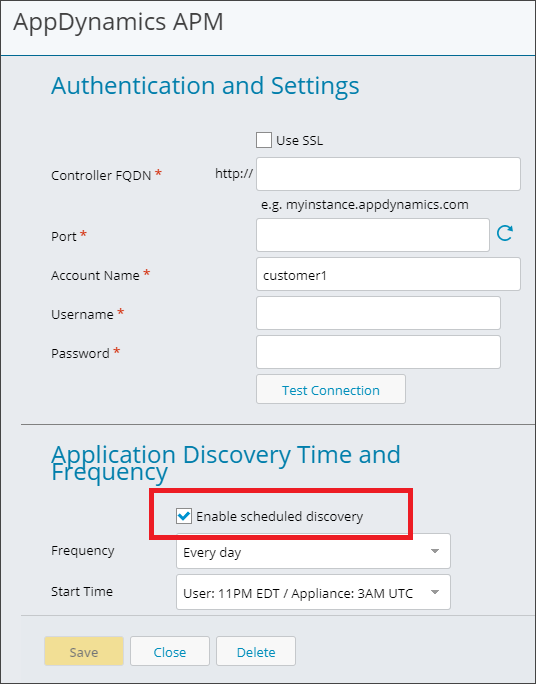
Ensure that the Enable scheduled discovery checkbox is checked.
This is the default for the Splunk AppDynamics CO Integration.