Starting From Analytics
Use Analytics to identify issues and assess infrastructure balance and capacity.
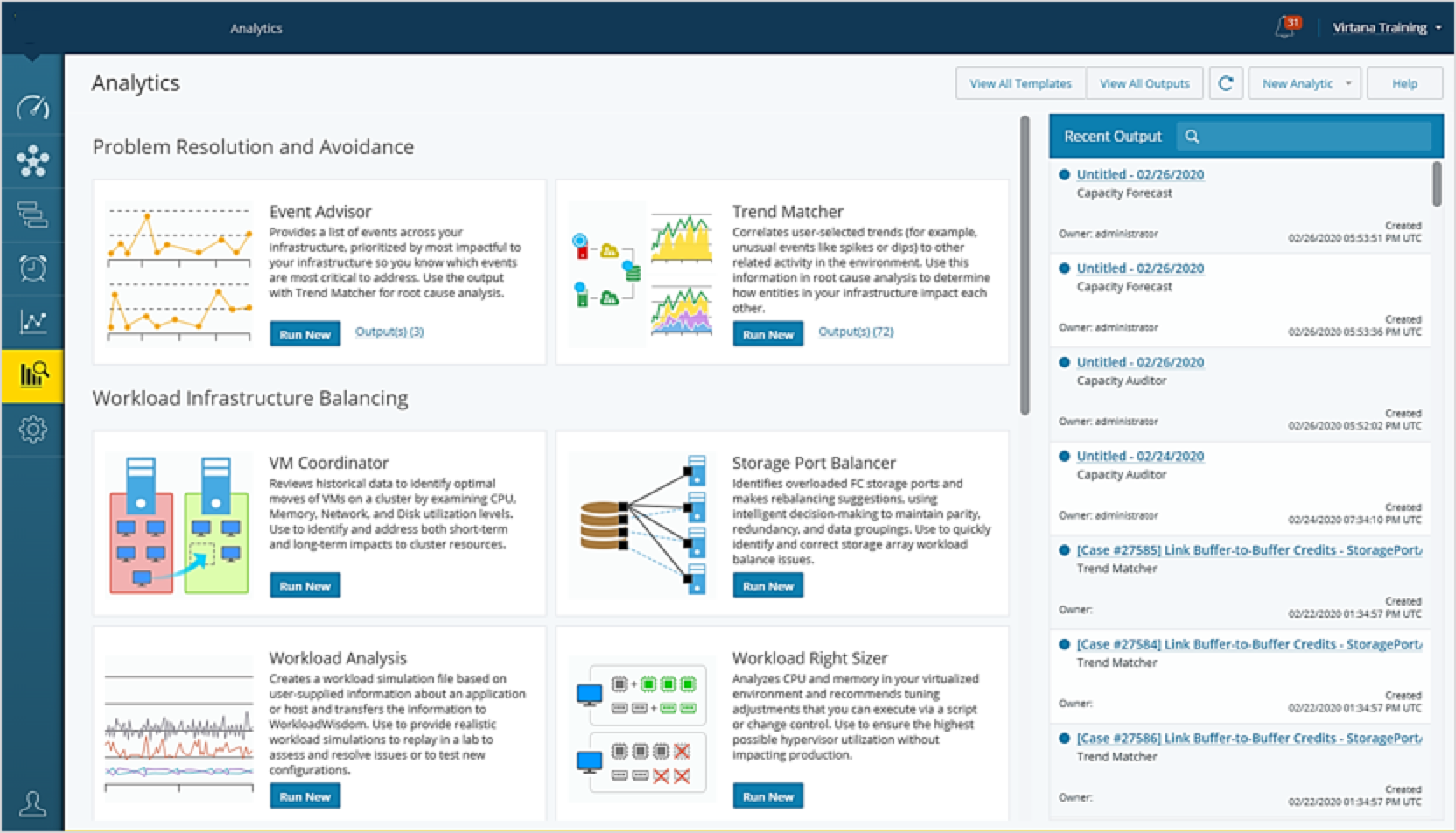
Why start with Analytics?
You have a specific problem or situation in mind, e.g., multipathing failure, buffer credit starvation, workload right-sizing, optimal queue depth settings, capacity forecasting, etc.
Alarms have not yet been configured in your IO environment.
You want to run the analytic on a schedule and embed results in a report or dashboard.
Using Analytics to identify critical events and correlate with trends
Analytic | Objective |
|---|---|
Event Advisor | Use Event Advisor to find events that may cause problems in your infrastructure:
|
Trend Matcher | Use Trend Matcher to troubleshoot problems and perform root cause analysis:
|
Event Advisor Suggested Situations
Run Event Advisor for the past seven days. You can save as a template and set up a recurring schedule to run Event Advisor once a week.

Buffer credit starvation on Fibre Channel storage ports

High utilization on HBA and storage ports

High VM CPU utilization
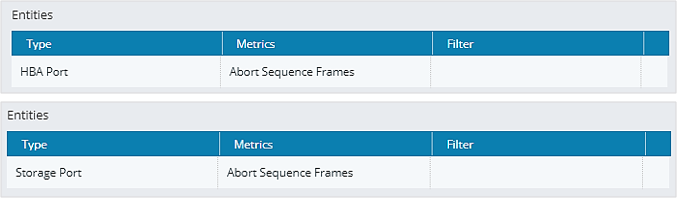
Aborts on Fibre Channel HBA ports and storage ports

Latency on the infrastructure supporting an application
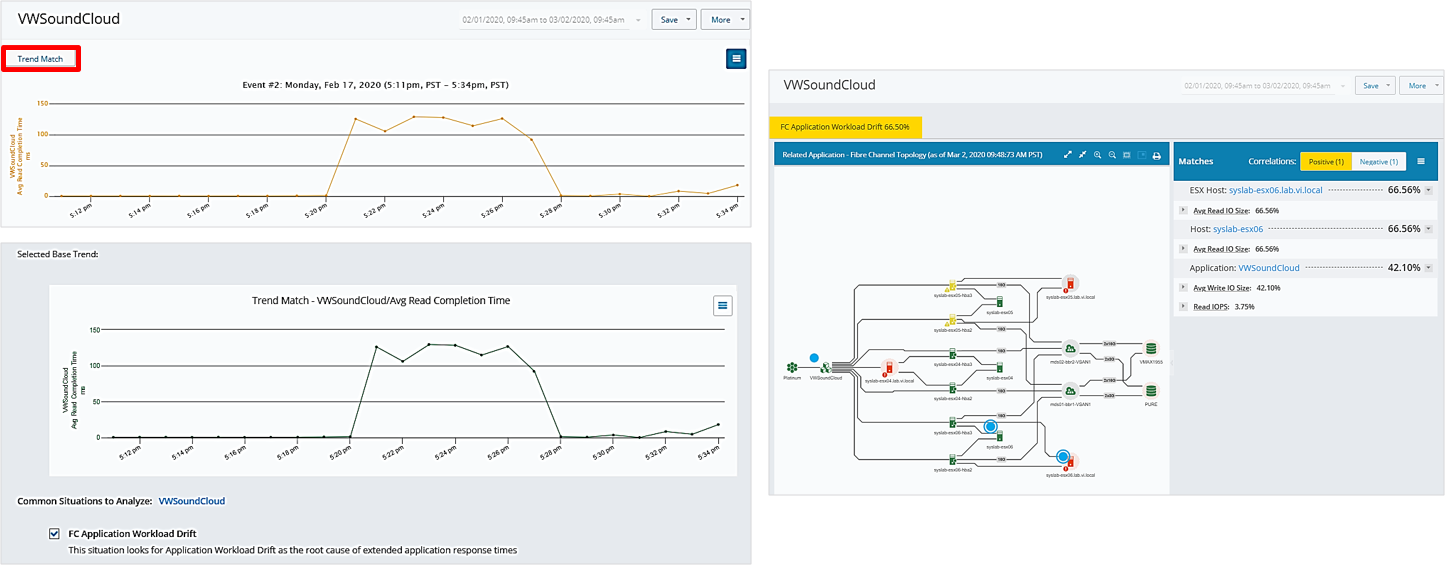
Using Trend Matcher to discover correlating entities and metrics
After you've run Event Advisor, you can use Trend Matcher to find correlating entities and metrics.
Using other Analytics to assess your infrastructure
You can also use the following Analytics as part of a regular infrastructure assessment process:
Analytic | Objective |
|---|---|
VM Coordinator | Use VM Coordinator to identify optimal moves for VMs to avoid
|
Workload Right Sizer | Use Workload Right Sizer to
|
Capacity Forecast | Use Capacity Forecast to
|
Capacity Auditor | Use Capacity Auditor to
|
Balance Finder | Use Balance Finder to examine HBA throughput to
|