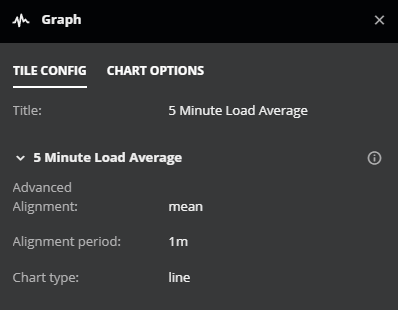
View tile definitions
You can view the definition of a tile on any dashboard, public or private, without opening the dashboard in edit mode.
Move your cursor over a tile.
In the top-right corner of the tile, click the vertical ellipsis (⋮).
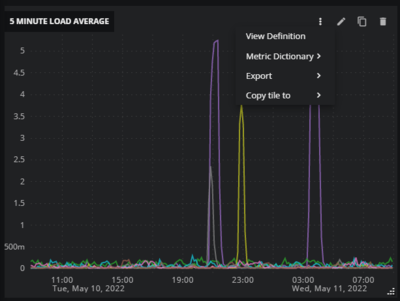
On the menu, click View Definition.