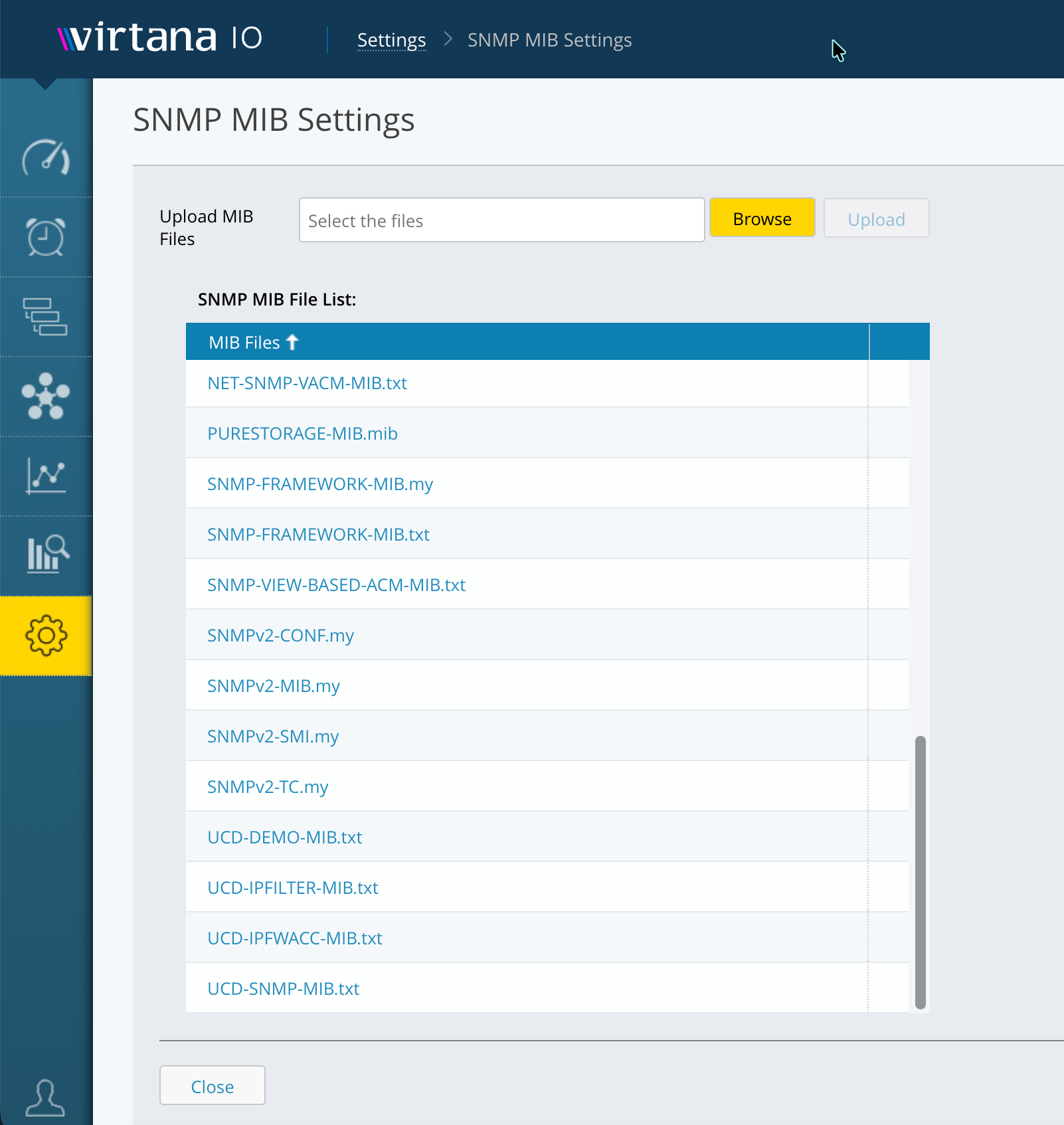
SNMP MIB settings
Upload Simple Network Management Protocol (SNMP) Management Information Base (MIB) files to IO so the SNMP Trap Receiver can translate incoming traps into readable case details. IO makes the uploaded files available for trap processing immediately after upload.
Note
Before you begin: Obtain the .my or .txt MIB files from the vendors of the devices whose traps you want IO to process.
To upload MIB files, complete the following steps:
Go to Settings > SNMP MIB Settings.
In the Upload MIB Files field, click Browse and select one or more MIB files from your local system.
Click Upload. IO uploads the selected files. After a successful upload, the files appear in the SNMP MIB File List.
Click Close.