User Preferences
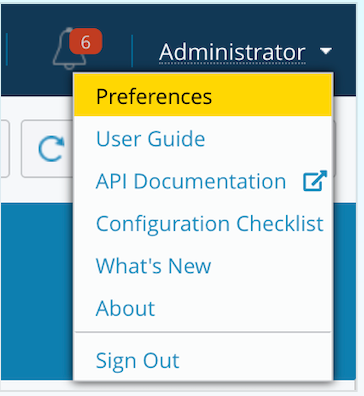
To set user preferences, select Preferences from the drop-down menu at the top right of the page or click the person icon at the bottom left of the page.
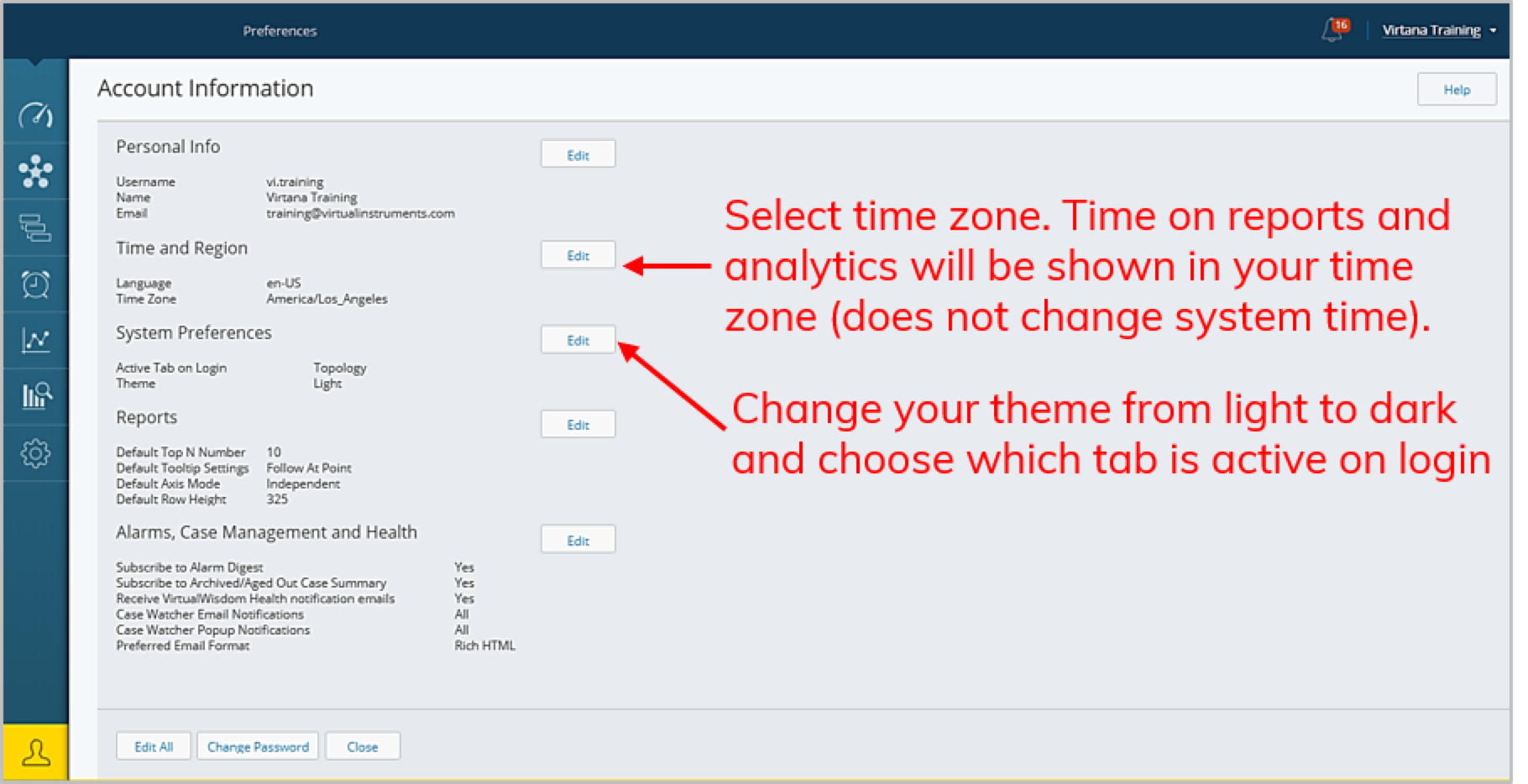
From the Account Information page, you can edit your account preferences such as local time and region, reporting defaults and alarm digest subscription.