 Entity Count tile
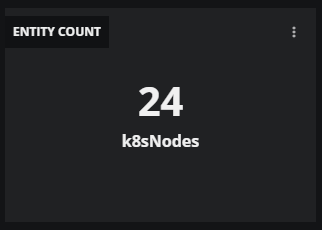
The Entity Count tile displays the total number of Collection Zone entities of a given type in the dashboard's scope and current time range.
Example tile
Tile configuration options
Add or edit the following options.
Tile title
The text that appears in the upper-left corner of a tile.
Entity Name
The name of an entity policy to filter entities.
Entity Type
The name of the type of entity to count. The selection varies by the policy selected in the previous field.
Show entity type label
A toggle that controls whether the entity type label is displayed on the tile beneath the count value.
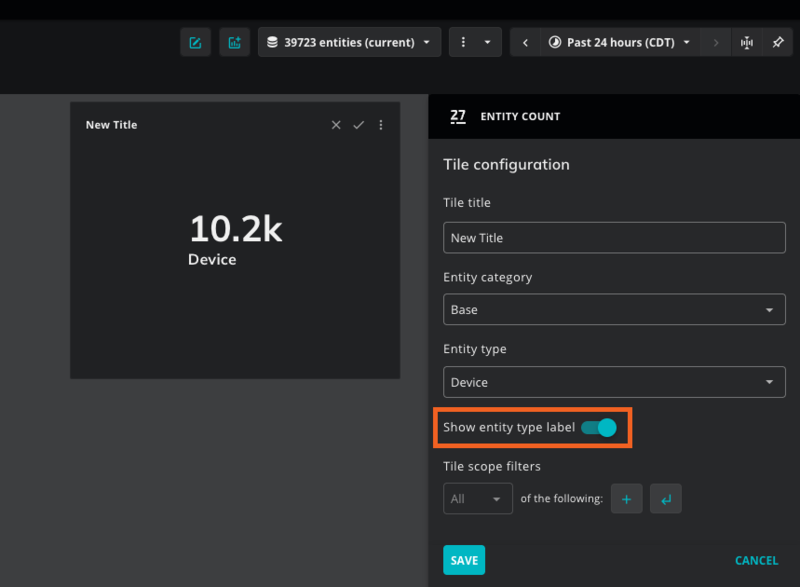
Enabled (default): The entity type name (for example, Device) appears below the numeric count.
Disabled: Only the numeric count is displayed.
This option is useful when the tile title already communicates the entity type, or when you want a more compact tile appearance.