Tier Inventory View
The Tier Inventory View shows the data and status for an application tier. To view the page, drill down on the name of a tier from the Tier inventory list.
The view shows you the tier's properties and lists the applications that are contained in the tier.
To the right is a panel that lists the most recent open cases on the tier.
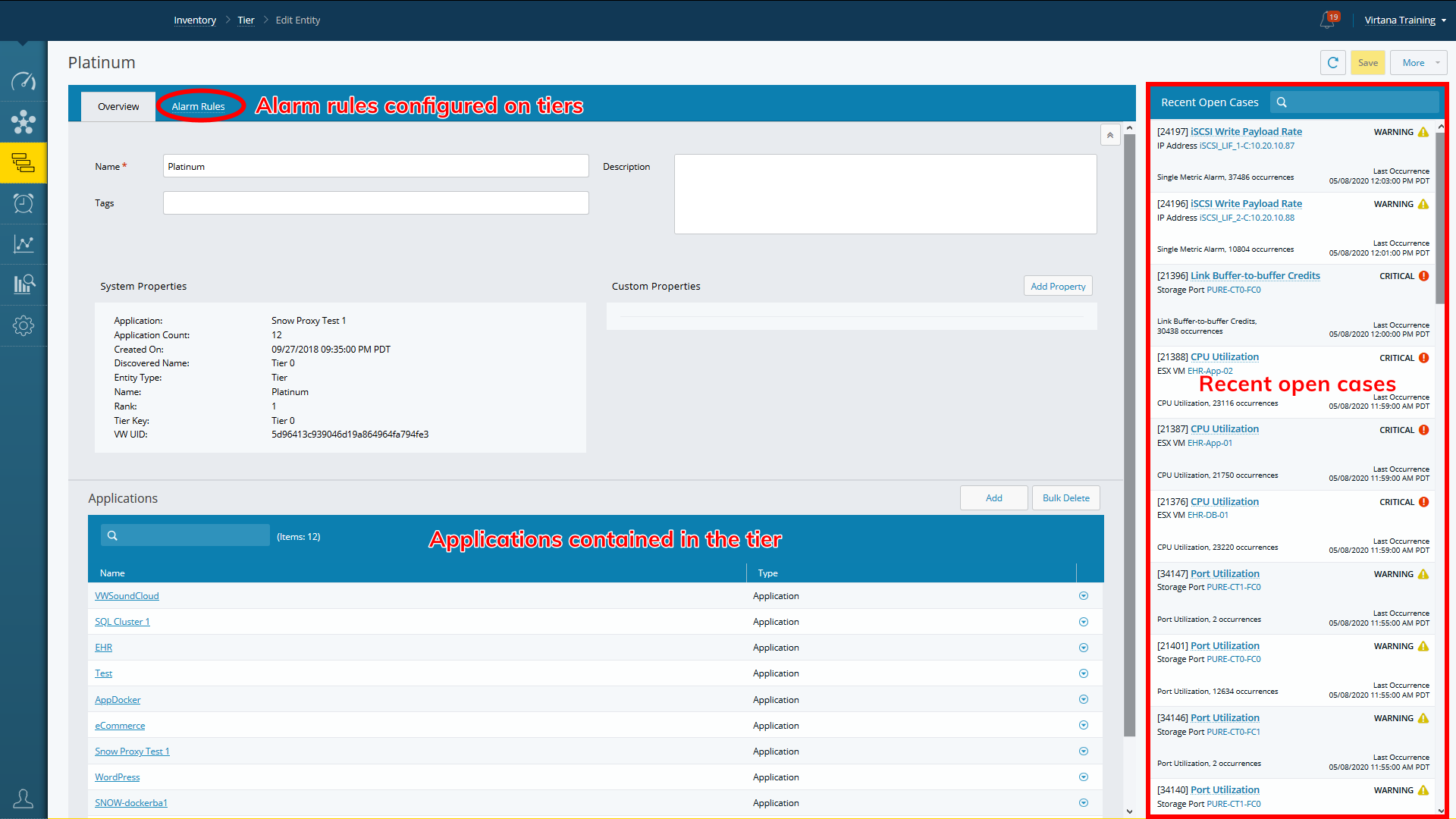
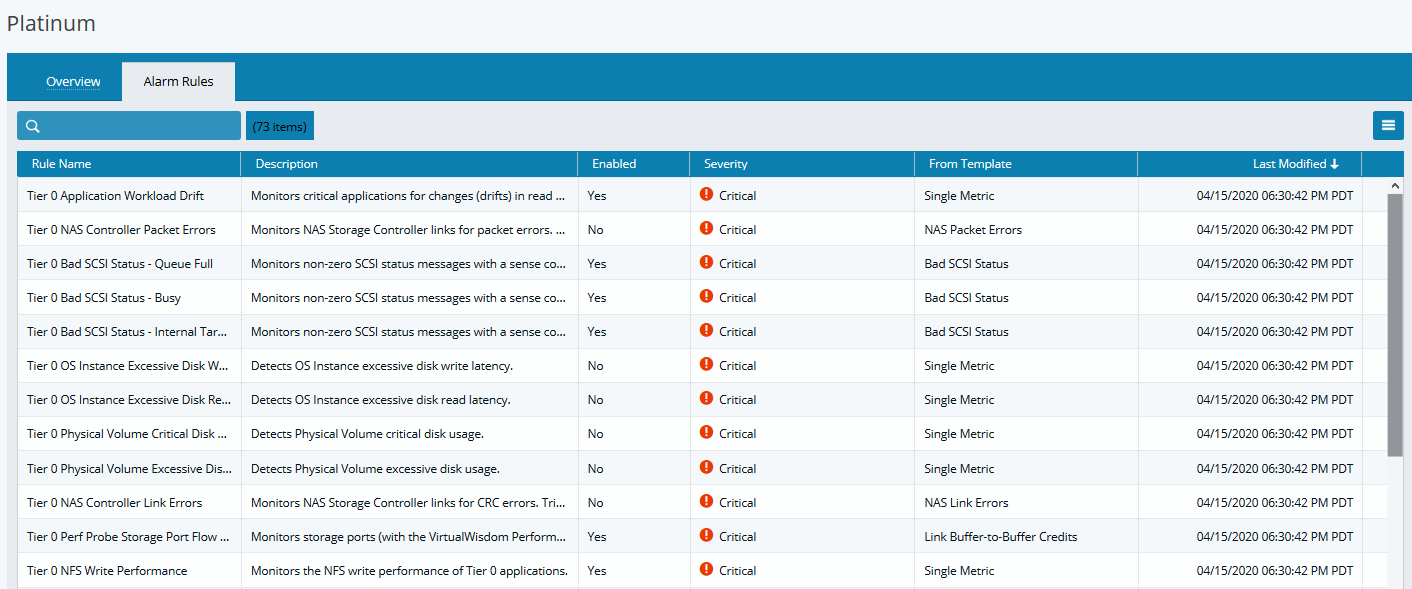
Select the Alarm Rules tab to view the alarms that have been configured for the tier.
You can export the rule data by selecting the hamburger icon, then selecting Export.