Tracking license usage in Virtana CCM
License Usage in the Cost Management platform shows how your licenses are used over time. You can view license usage by day or by month to compare allocated licenses against actual usage.
To calculate license usage, we measure the runtime of virtual machines (VMs) across all supported cloud platforms. Each VM's usage is counted per day, and these daily figures are then summed up to provide the total monthly consumption
Calculating license contribution
The license contribution of a machine is based on the duration it is active within 24 hours.
Full-day usage: If a machine runs continuously for 24 hours, it contributes 1 to the daily license count.
Partial-day usage: The contribution is calculated proportionally based on the number of minutes the machine was active.
For example, if a machine runs for only 5 minutes in a day, the license contribution is calculated as:
License contribution = 5 / (60 × 24) = 0.00347222
Tracking licenses for cloud services
Virtana calculates license counts based on the primary compute services from the following major cloud providers:
AWS: Elastic Compute Cloud (AmazonEC2)
Microsoft Azure: Virtual Machines
Google Cloud Platform (GCP): Compute Engine
Viewing License Usage
The License Usage page helps you understand how Cloud Cost Management (CCM) and IO licenses are being consumed over a selected time period. You can view and download license usage information for your Virtana Platform organization at the license usage page.
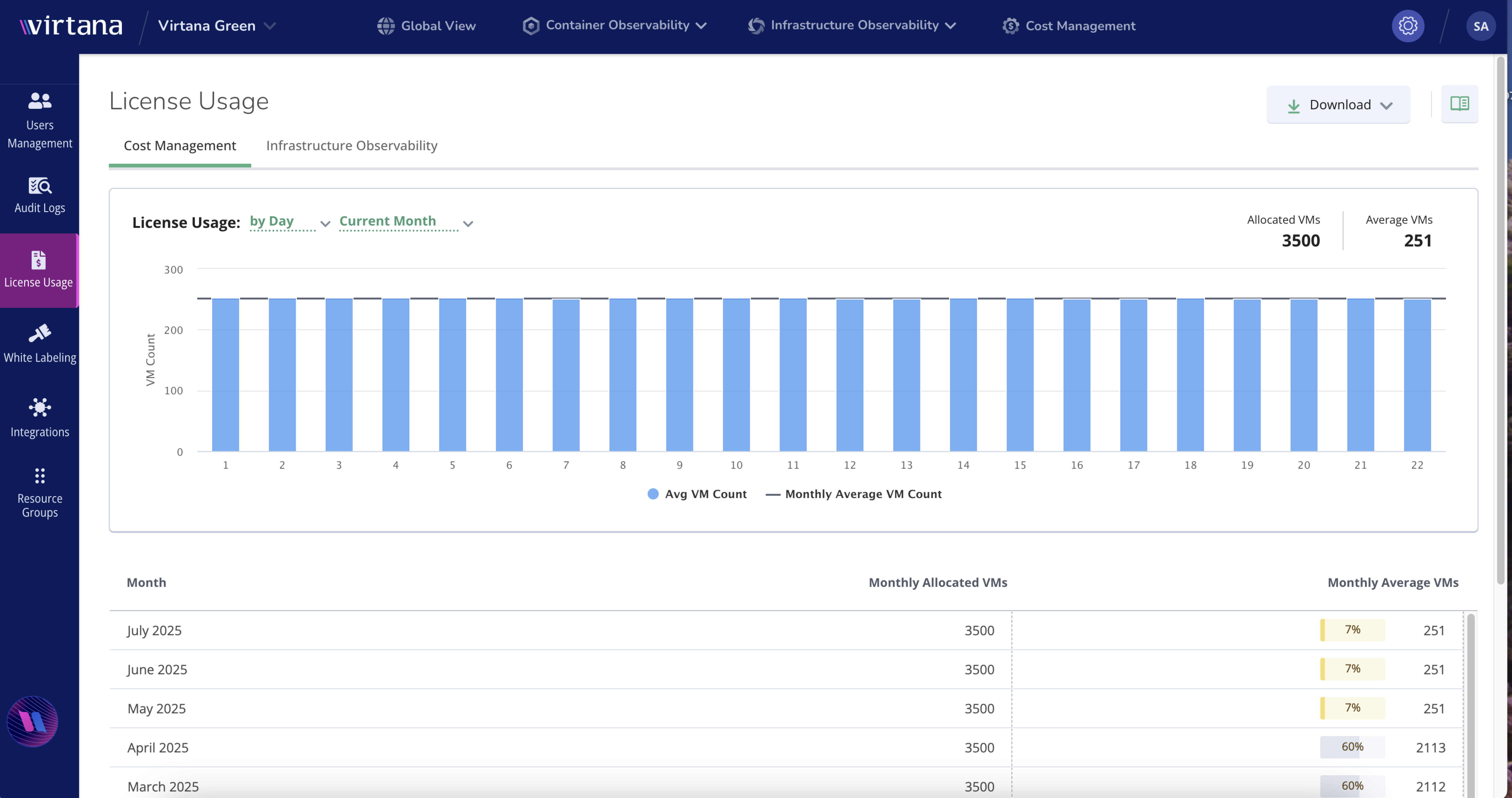
In the MSP license View, you can see both parent and child license details. This view provides a complete picture of how licenses are distributed and used across organizational levels. Managed Service Providers (MSPs) can use this feature to monitor and manage license allocations across their client organizations.
Note
For MSP customers, the child organization must ensure that the designated user has Organization Admin permissions to view and manage these license details.
For more information, see Tracking license usage in Virtana CCM.