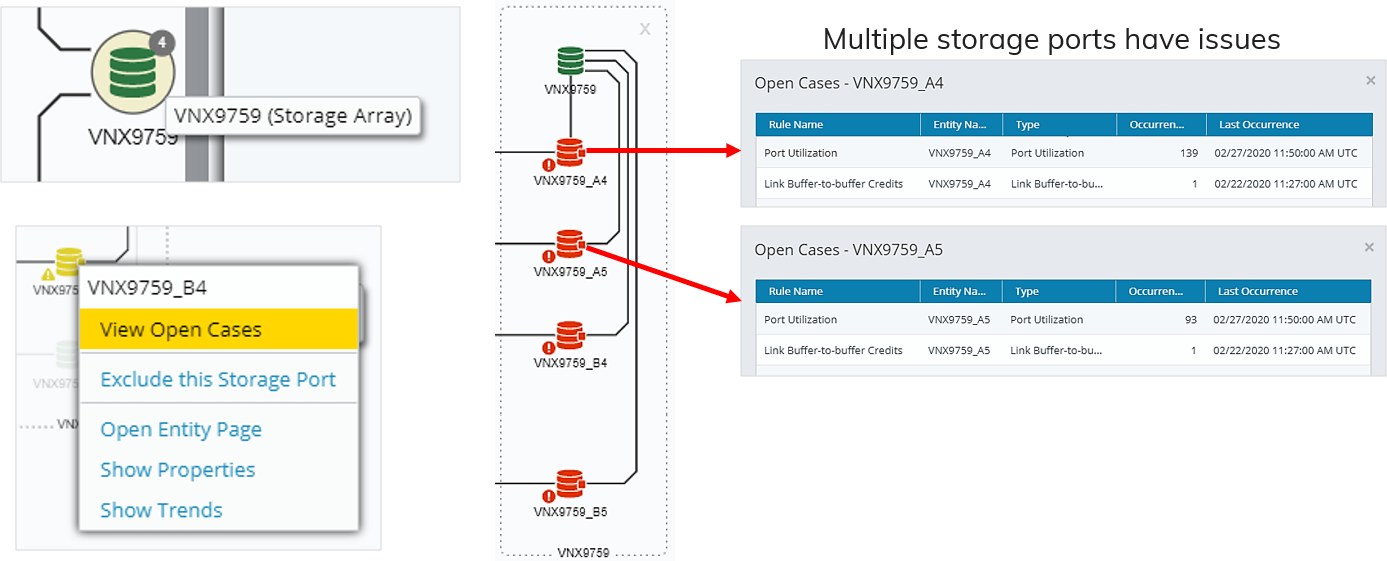
Starting from Topology
Topology shows you the relationships between your entities, where there are problems, and lets you view basic metric trends.
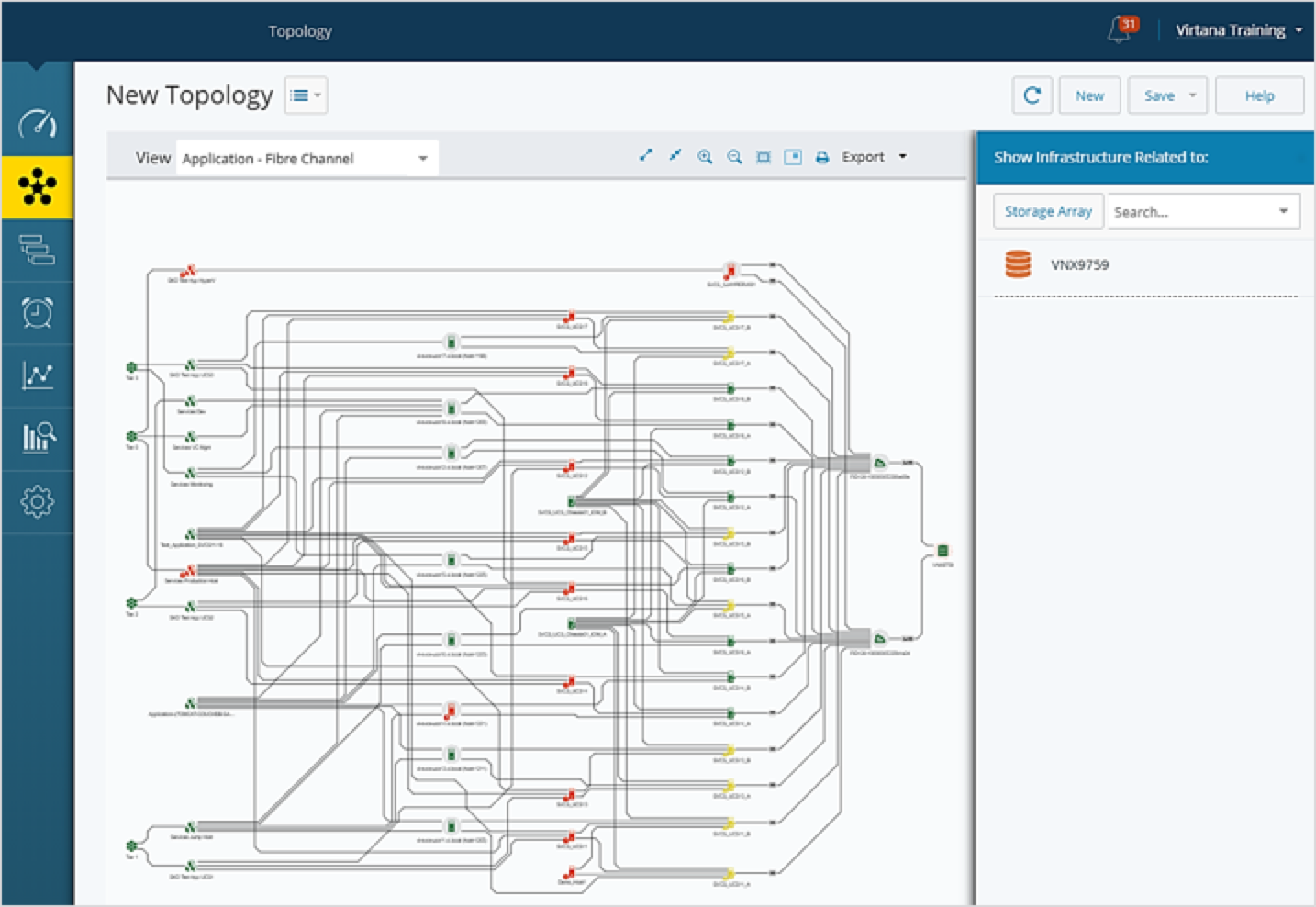
Why start in Topology?
You are responsible for a defined infrastructure component, e.g., “these storage arrays, this ESX cluster”.
You prefer visual representations that show you the components rather than list views or report charts.
You care about what is going on in the infrastructure right now.
Getting started
If you're planning to start your workflow in Topology, it's recommended that your define Topology views that are aligned with the infrastructure you need to review.
Filter the view for a storage array
For example, as a Storage Administrator, you may need to determine if there are problems with a specific storage array.
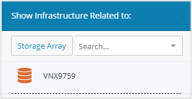
From the Topology page, search for the storage array you want to filter for. The Topology view shows you the infrastructure related to that storage array.
Select an infrastructure type-specific view
You may want to view only a specific infrastructure, e.g., "I only care about the Fibre Channel infrastructure supporting our applications":

In this case, you can select a view that shows you only that infrastructure type.
Save your topology
Once you have set your filters and view, save your Topology for future use:
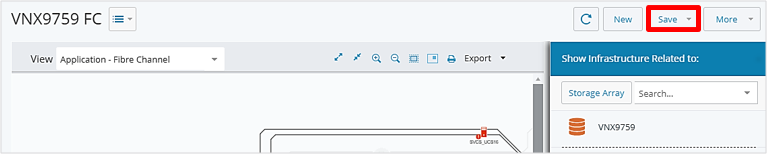
Using the view to review your infrastructure
Now you can use the view to see where issues exist in your infrastructure: