How to delete your own user sessions
Use this procedure to delete one or more of your own user sessions.
In Virtana Service Observability, click your user name in the upper-right corner of the screen.
Click Account Settings, and then click Sessions.
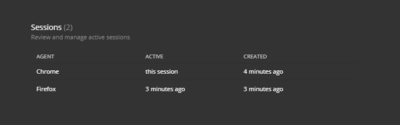
The row with this session in the ACTIVE column represents the session you're using to display the page, which can't be deleted.
Display the delete control (the trash can icon) by placing the cursor over the row to delete.

Click the trash can.
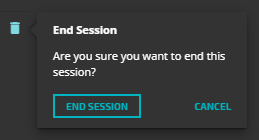
Click END SESSION.