Metrics
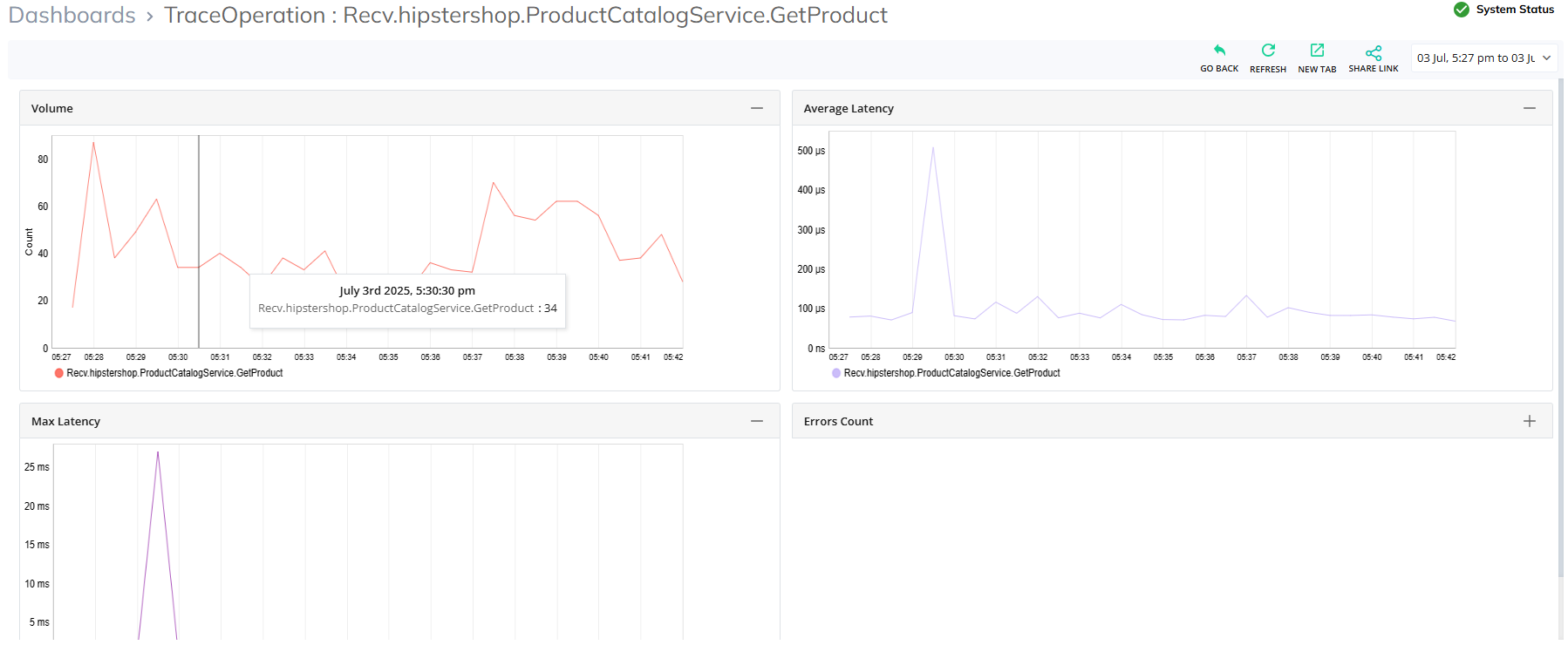
This section helps users to view the metrics of volume, average latency, maximum latency, and error count through widgets by choosing the selected time frame in .
To choose the required time frame, follow the steps:
To see the Metric, follow the steps from Viewing the Configuration Snapshot of each service operation.
Click on Metrics.
A list of widgets will display with metrics data.
Choose a previous date, month , or hours and then click Apply.
Metrics of the selected time interval will be displayed through widgets.