Configuring Virtana Platform for StackStorm Integration
StackStorm Integration
StackStorm is an event-driven runbook automation platform that executes tasks or workflows in response to events. It offers a means of integrating numerous services into logical workflows that start with certain triggers or events. StackStorm has a thriving ecosystem of the Packs which allows customers to install any custom pack and automate the action completely. You can add a StackStorm integration to the Virtana Platform so that requests can be generated in StackStorm.
Prerequisites
If you have hosted the Platform on your premises, you must have a StackStorm application hosted in your environment.
You must have the required credentials to connect to StackStorm.
Steps
On the Virtana Platform, click the Settings sprocket.
On the left navigation pane, navigate to Integrations > Action Integrations. The Action Integrations page is displayed on the right pane.
Click ‘+Add New’ to add the new integration on the Virtana Platform.
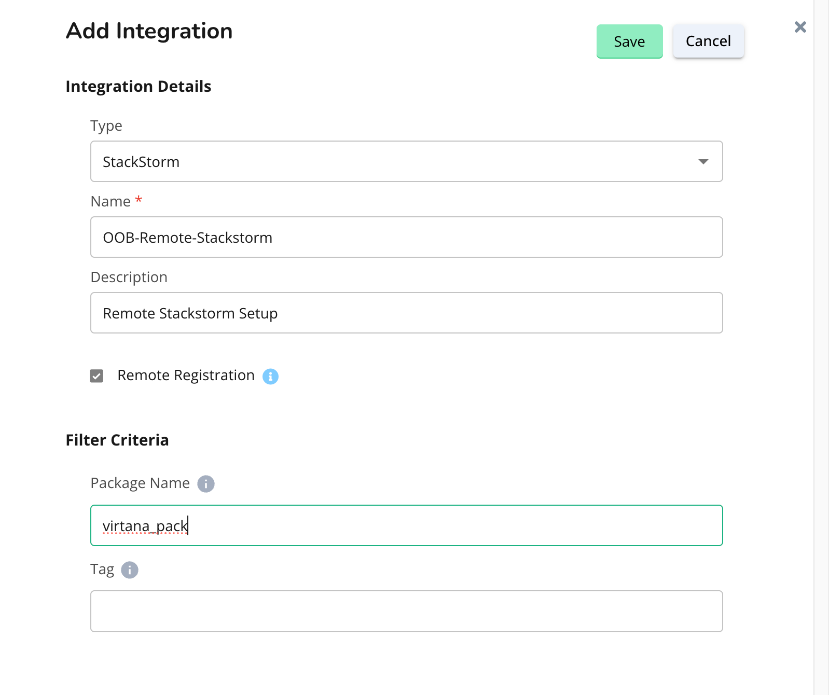
On the next page, select/enter the following details:
Table 154. Field DescriptionsField
Description
Integration Details
Type
Select the StackStorm in the dropdown.
Name
Add the name of the integration.
Description
Description of the integration to be added.
Connection Parameters
StackStorm URL
A webhost URL or IP address where the StackStorm is hosted in your environment.
Username
A username to log in to StackStorm.
Password
The password to log in to StackStorm.
Filter Criteria
Package Name
A specific package in the StackStorm to access the workflow within. If not mentioned, workflows from all the packages are pulled from StackStorm.
Tag
Used to filter the data and organize the workflows.
Click Save to save the StackStorm integration.
Install and configure the Remote StackStorm Pack
StackStorm Pack Installation Steps
To install the virtana_pack in your StackStorm, follow these steps:
Download Packs and Config Files: Access the Virtana UI and navigate to the Action Integrations section, where the virtana_pack and configuration files are available for download. Download the required pack and configuration file to your local machine.
Place Pack and Config Files: Locate the StackStorm running pod and move the downloaded pack into the /opt/stackstorm/packs folder of your StackStorm installation. Place the configuration files into the /opt/stackstorm/configs folder of your StackStorm installation.
Create a virtual env to run the pack: Locate the StackStorm running pod and run the following command to create a virtual env for the Virtana pack.
st2 run packs.setup_virtualenv packs=virtana_pack
Run the Install Command: Log in to the StackStorm container and navigate to the /opt/stackstorm/packs directory. Execute the following installation command to set up the packs and configurations:
st2 pack install file:///opt/stackstorm/packs/virtana_pack/
Verify Installation: After running the install command, verify that the packs are correctly installed and configured by checking the StackStorm UI or using the following command line to list the installed packs:
st2 pack list
Choose the Remote Registration option if your deployed StackStorm is on a different network than the Virtana Platform. Using the Virtana Platform in the cloud, you can use remote StackStorm, which will be deployed in your data center.
Registration Process
The following is the registration process:
Select the StackStorm action provider and check the Remote Registration radio button.
It will remove the connection parameters, as this is a remote integration.
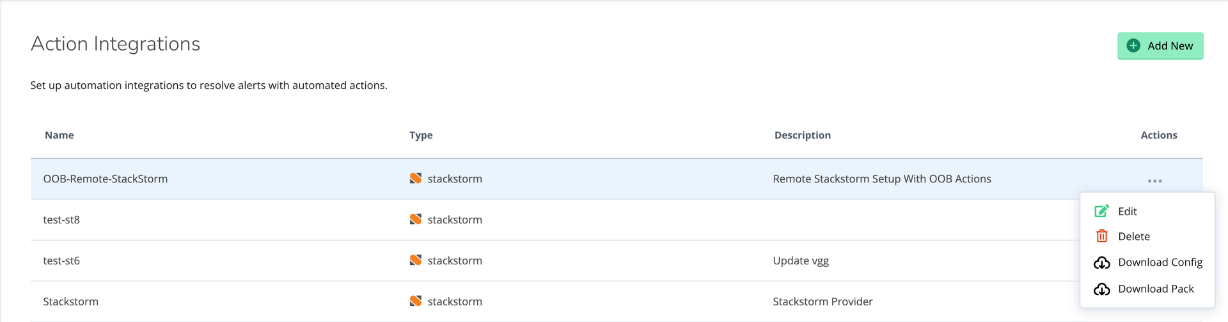
Download the config and pack from the action buttons provided against the registered provider.
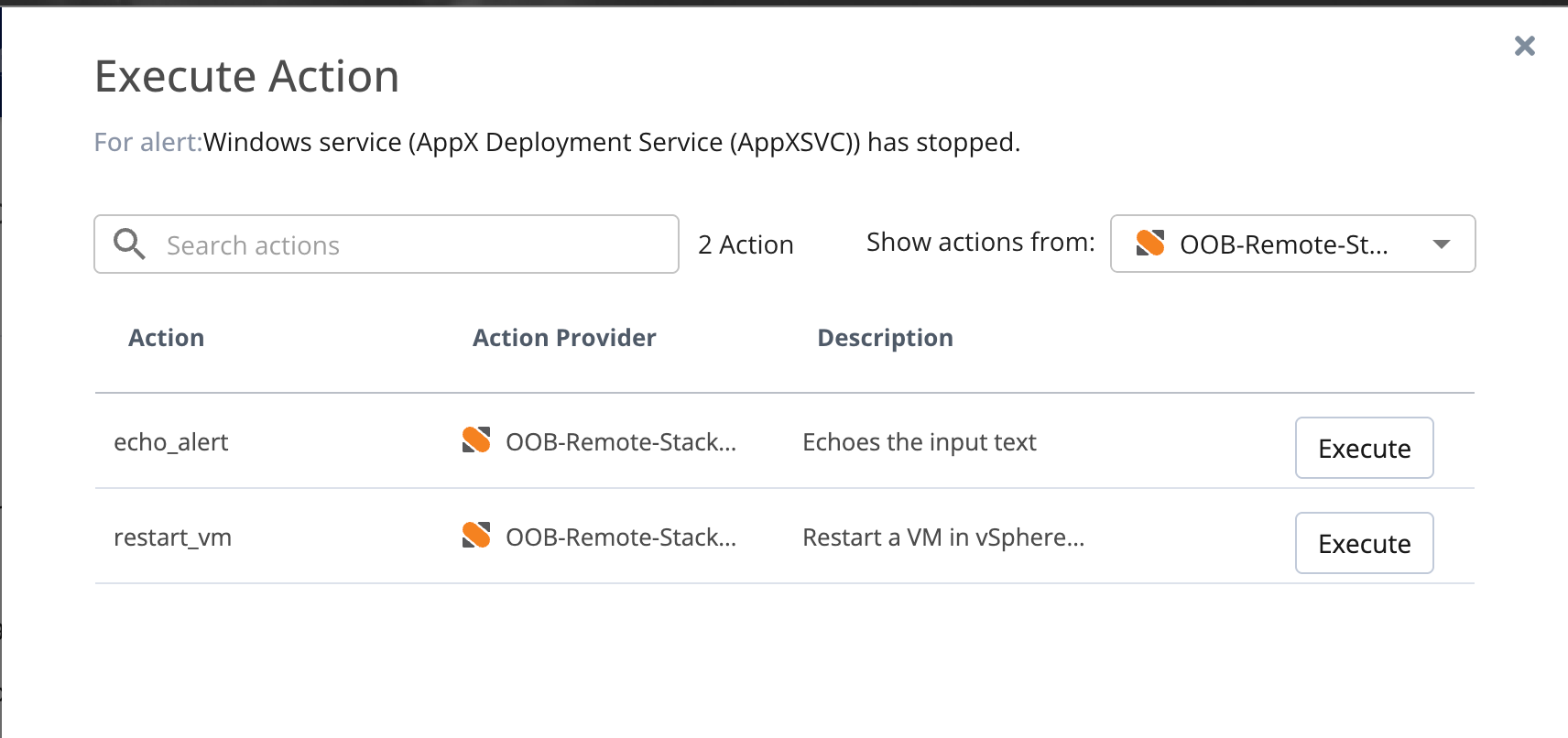
Verify the installation by selecting the provider on the Action Executions tab of an alert. It will have out-of-the-box actions packed with the virtana_pack installation.